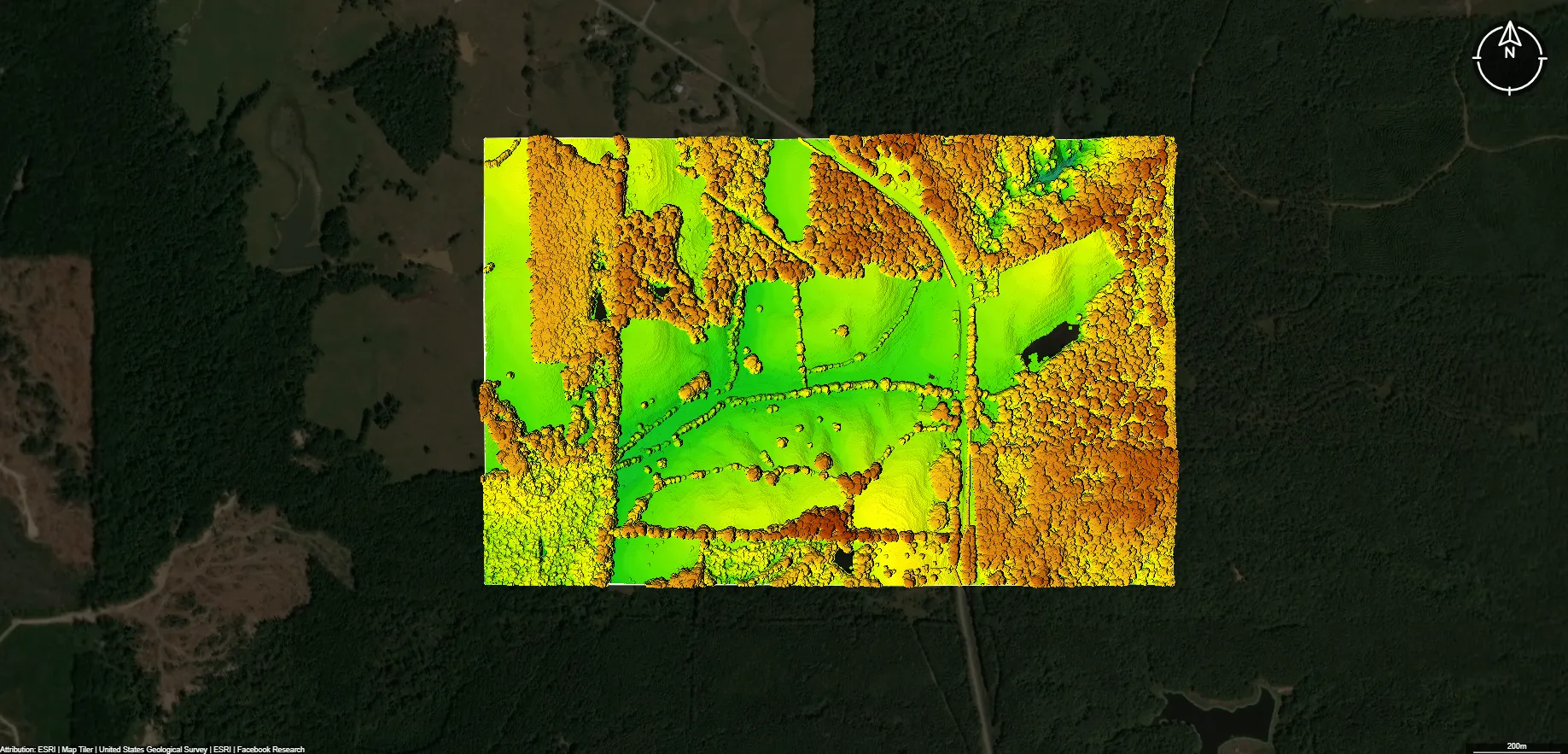
Overview
Topographic Map of Texas Elevation, Contours & LiDAR Maps in Equator
Explore accurate, interactive topographic maps of Texas with contours, LiDAR, and elevation data. Download or export to CAD instantly with Equator’s online mapping tools.
Get Topo Data for Texas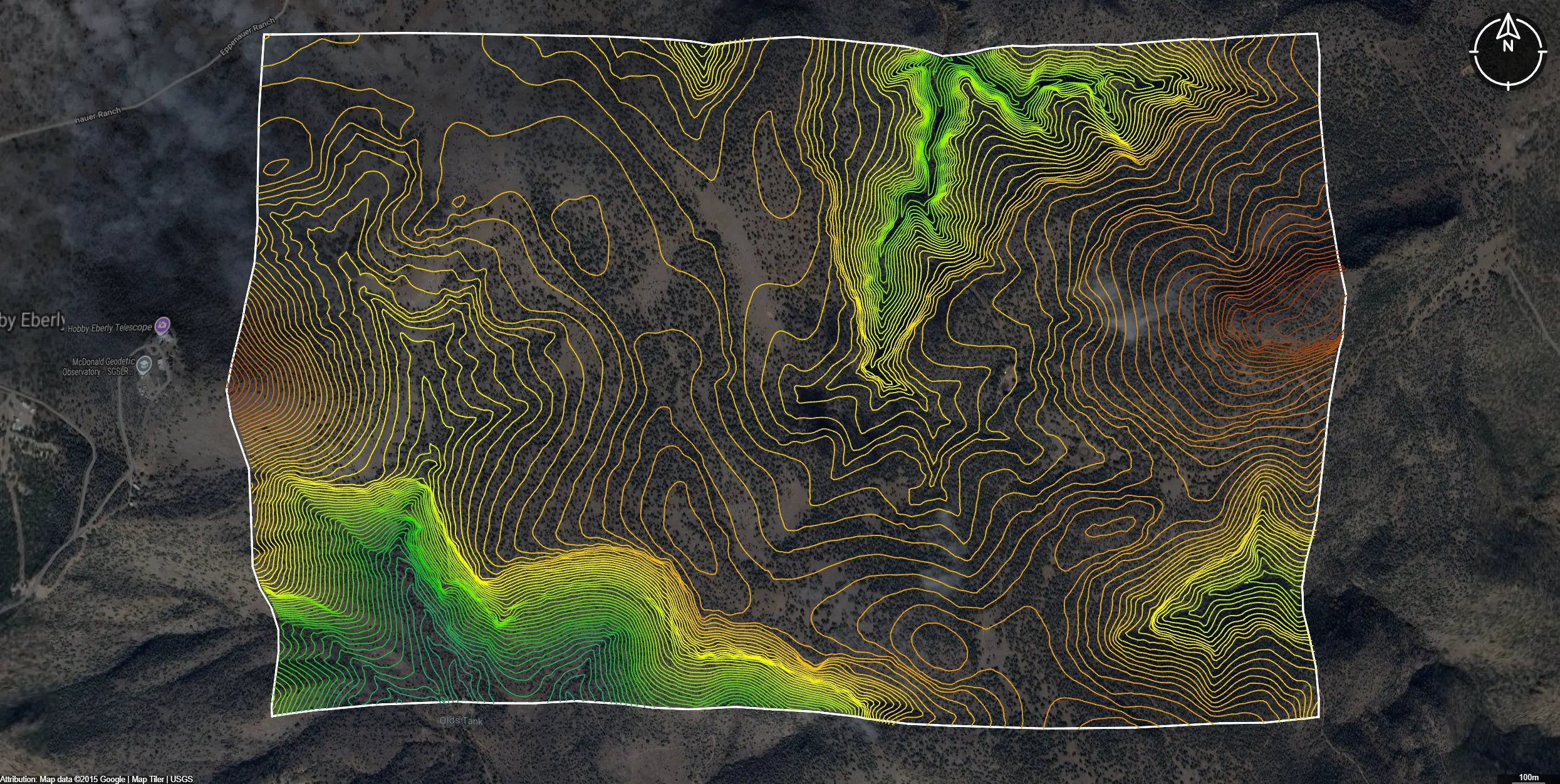
Featured Topographic Data Layers
Download Topographic Data for Texas
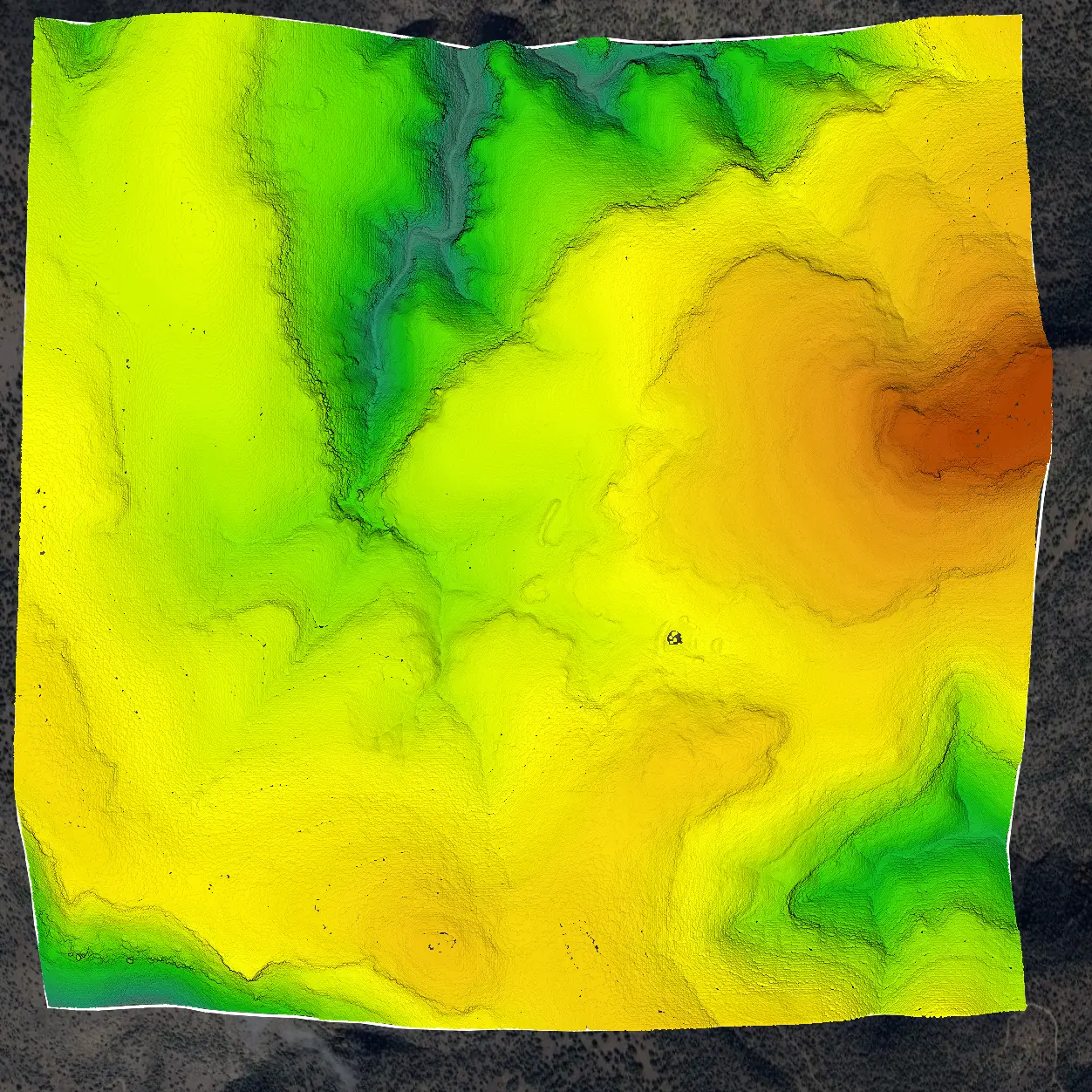
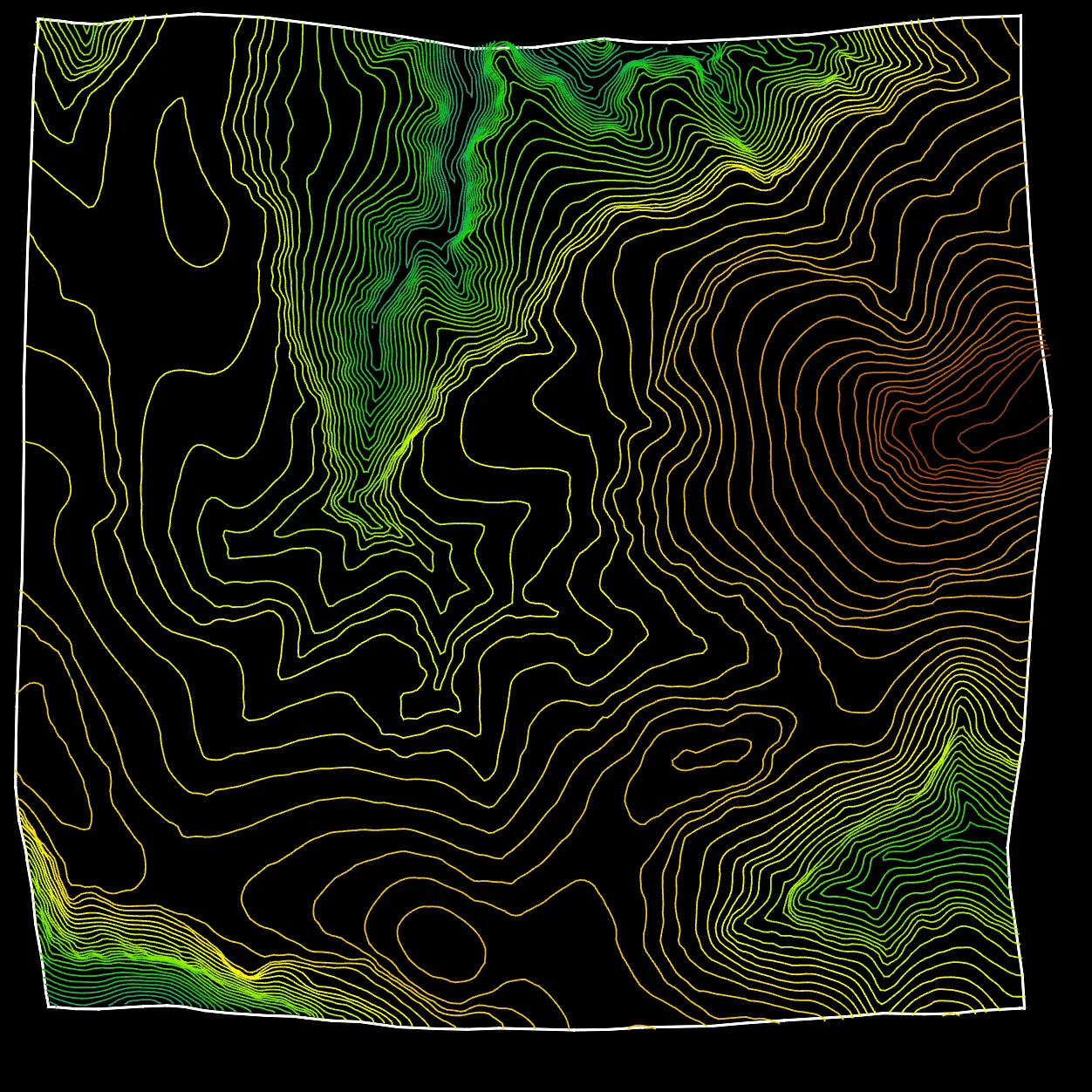
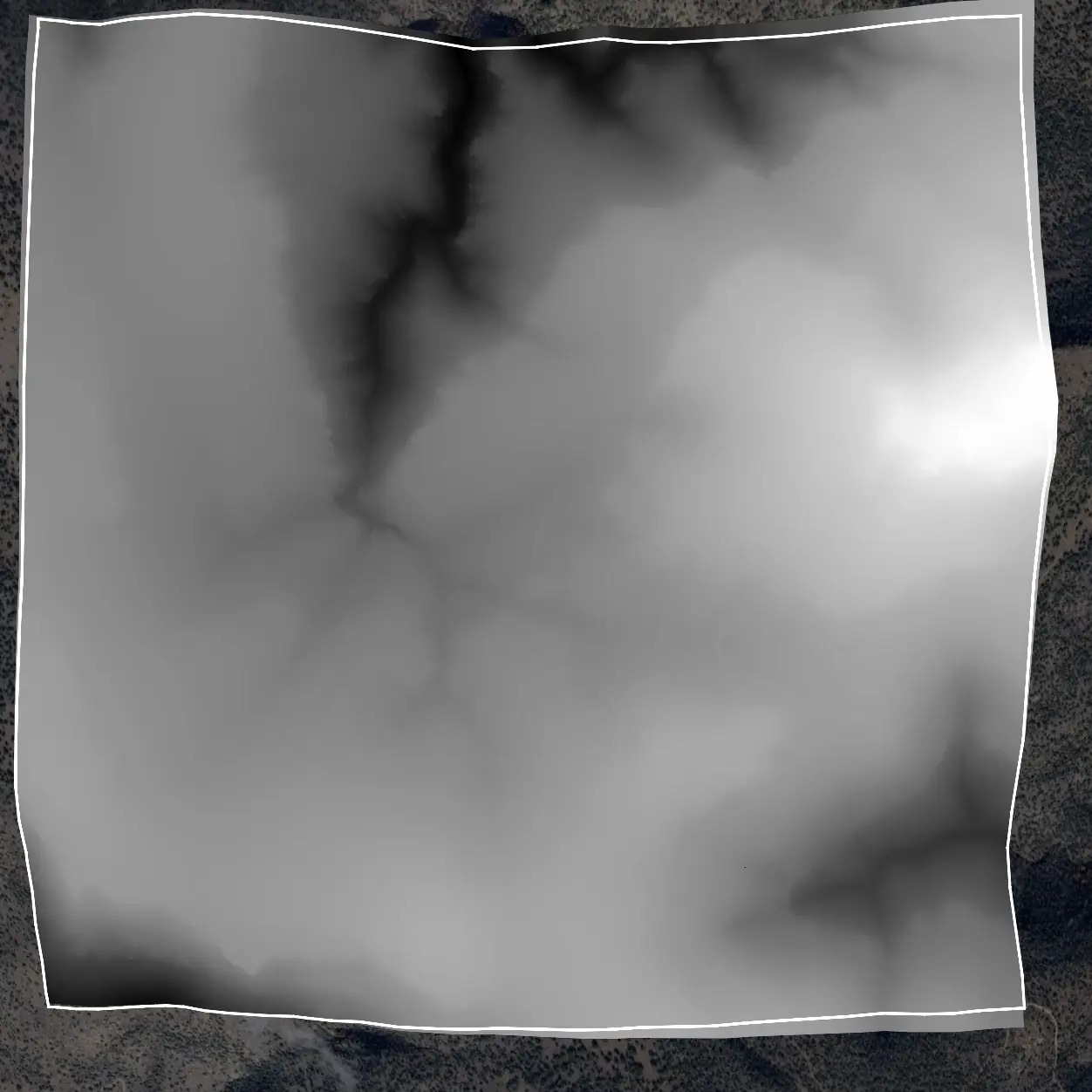
Why access topographic map data in Equator for Texas?
Did you know?
Equator turns massive datasets like building outlines into site‑ready data, instantly. This is why Equator is the go‑to choice for engineers, designers, and architects who need accurate topographic data for Texas.
Fast and Easy
Find, view, clip, and download topographic data in less than a minute, all from your browser.
CAD‑Ready Formats
Export topographic map data in a variety of formats that work with CAD and design software used on your projects in Texas.
Create Contours and DEMs
Automatically generate contours, DEMs, and other elevation products from topographic data, and export them directly to CAD.
Background
Topographic data for Texas
Topographic data in Texas is collected by the United States Geological Survey, the Texas Bureau of Economic Geology, and county geographic information system departments. With contour lines to represent elevation and landforms, these datasets describe areas such as the Guadalupe Mountains, the Edwards Plateau, and the Gulf Coastal Plain. Programs including the Texas Lidar Program and mapping projects from the Texas Natural Resources Information System provide elevation data used by civil engineers, environmental scientists, urban planners, and hazard analysts.
These datasets inform flood modeling, erosion assessment, and infrastructure planning. Equator improves this workflow by allowing users to visualize terrain in three dimensions, merge datasets, analyze slope and drainage, and share insights across planning teams.
Access Topo Data in EquatorFormats Available
Export Your Data Ready to Use in Multiple Formats
DWG
AutoCAD Drawing - Industry-standard CAD format
Supported Data:
Contour, Parcel, Building Outline
SHP
Shapefile - Standard GIS vector format
Supported Data:
Contour, Parcel, Building Outline
DXF
Drawing Exchange Format - Universal CAD interchange
Supported Data:
Contour, Building Outline
GeoJSON
Geographic JSON - Web-friendly spatial data format
Supported Data:
Contour, Parcel, Building Outline
LAZ
Compressed LAS - Efficient LiDAR point cloud format
Supported Data:
Point Cloud
SVG
Scalable Vector Graphics - Web vector format
Supported Data:
Contour, Building Outline
GPKG
GeoPackage - Modern OGC spatial database format
Supported Data:
Contour, Parcel, Building Outline
LandXML (Coming Soon)
Land XML - Civil engineering data exchange format
Supported Data:
Point Cloud
TIN (Coming Soon)
Triangulated Irregular Network - 3D surface model
Supported Data:
Point Cloud
XYZ (Coming Soon)
XYZ Point Cloud - Simple ASCII point cloud format
Supported Data:
Point Cloud
Frequently Asked Questions
Where can I download topographic maps for Texas?
You can download topographic maps for Texas from the USGS TopoView or The National Map websites. These platforms provide free access to the latest US Topo maps as well as historical topographic maps. You can also use platforms like Equator to view, download, and export topographic contours or elevation data directly for specific sites in Texas.
Get Topo Data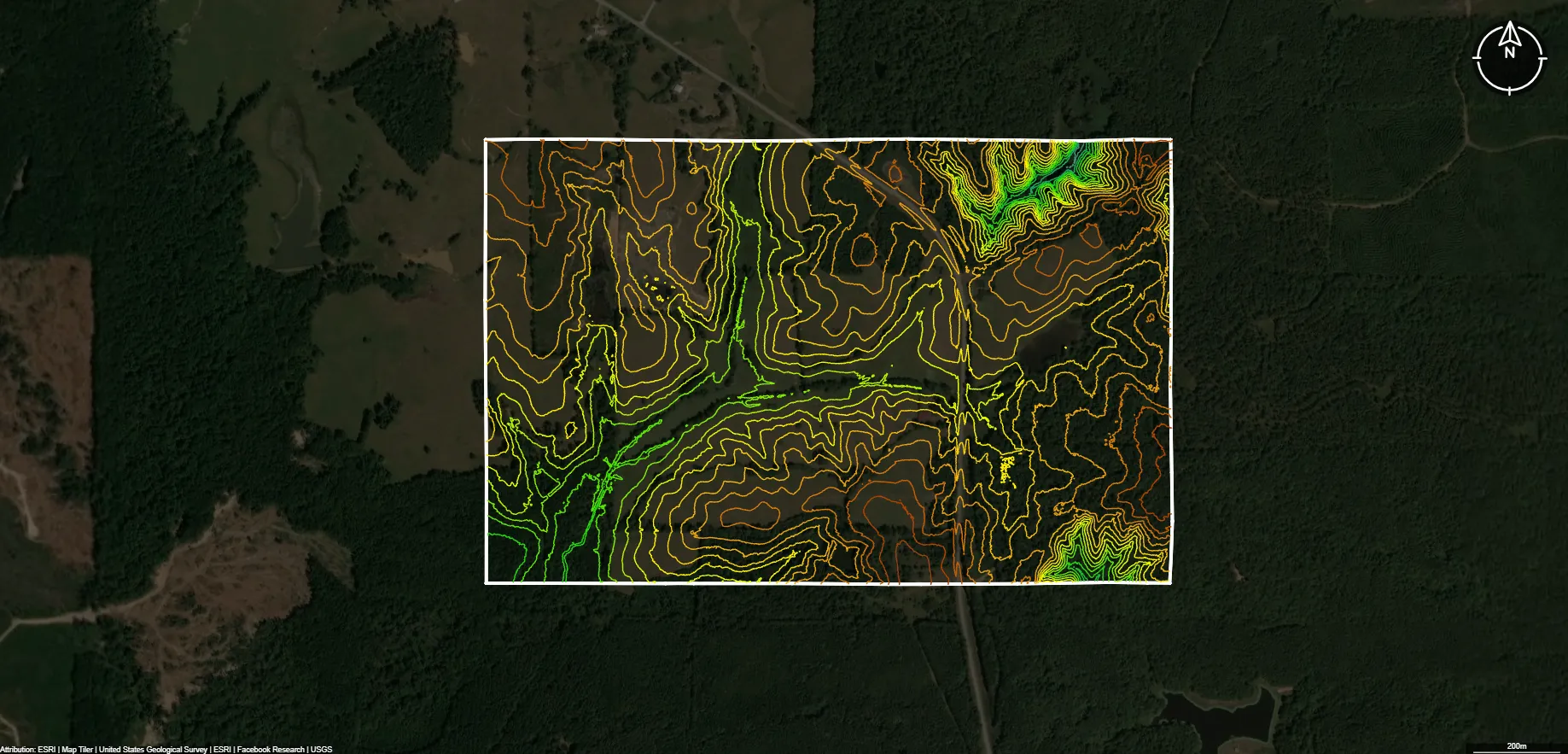
What formats are available for Texas topographic data?
Texas topographic data is typically available in GeoTIFF, KMZ/KML, Shapefile (SHP), PDF, and DWG/DFX formats. These formats are compatible with popular GIS and CAD software such as QGIS, ArcGIS, AutoCAD, and Civil 3D, allowing users to visualize contours, elevation points, and terrain models for mapping or design purposes.
Get Topo Data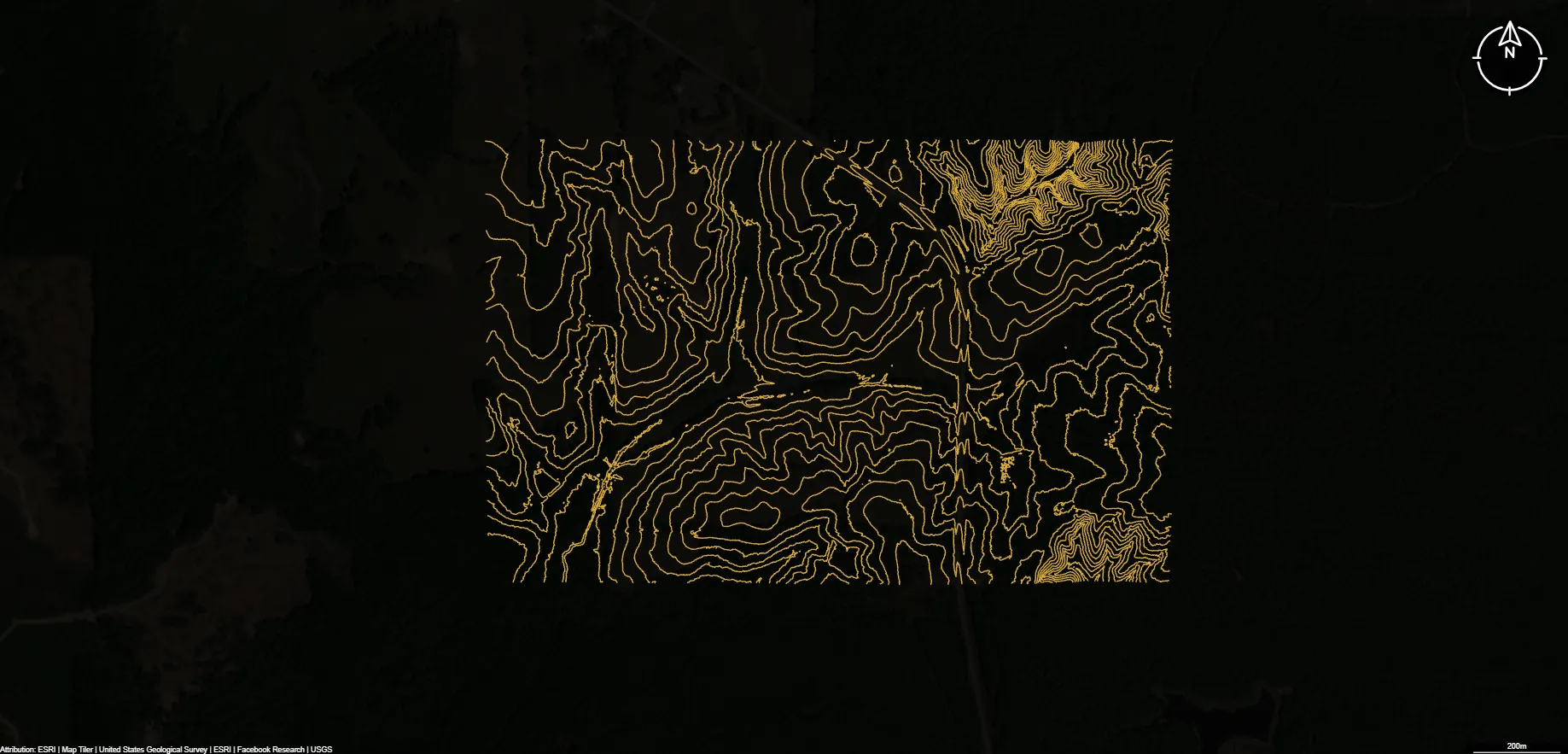
What is the source of Texas's topographic data?
Most official topographic data for Texas is produced and maintained by the U.S. Geological Survey (USGS) through the 3D Elevation Program (3DEP). This program uses high‑resolution LiDAR and other elevation sources to generate accurate contour lines, DEMs, and surface models. Some local agencies also contribute updated LiDAR and elevation data to supplement USGS coverage.
Get Topo Data